AI EXPLORATION
INDUSTRY
VISUAL & AI
YEAR
2026
TEAM
1 PERSON
Introduction
Over the past few months, I’ve started getting into role-playing games (D&D, for example), which felt like a natural fit given my love for fantasy universes. At the same time, I’ve been experimenting with local AI, testing the limits of my desktop hardware to see how far I can push it.
So I asked myself: why not combine my passion for fantasy with the way I use local AI?
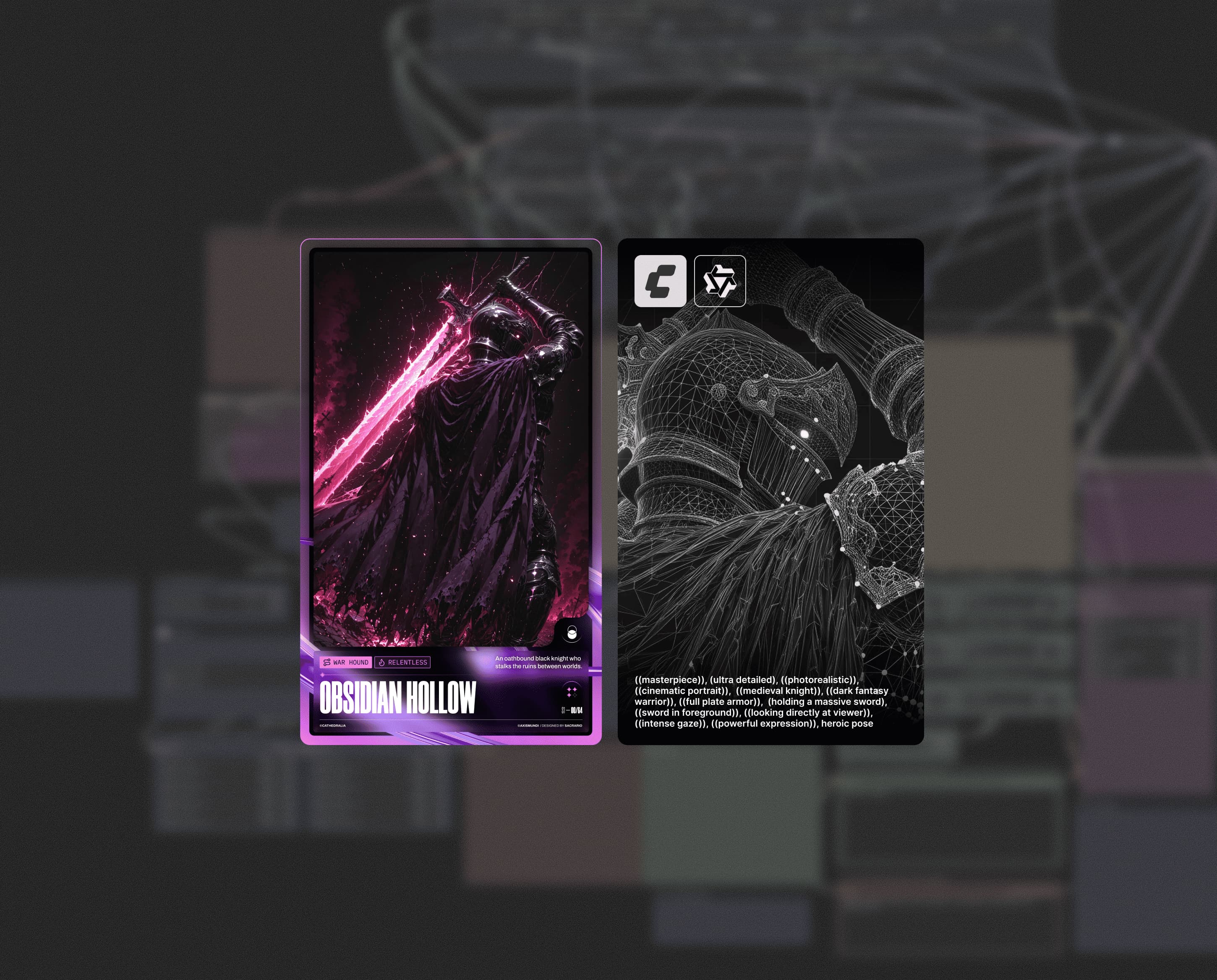
That’s how this personal experiment came to life. Over the course of about a week, I created my own fantasy world as if it were a fictional card game, complete with card design, worldbuilding, and a fictional storyline.
I also set myself a few constraints: I had to use exclusively local AI models—text, image, and everything in between—to see whether it was possible to create something genuinely satisfying at zero token cost.
Overview
Project Goal
Platform
Web & Digital assets
Timeframe
Team composition
Rules
To make the challenge more interesting, I decided to set myself a few “constraints”—some rules I had to follow to make the challenge more rewarding.
Constraint 01
Constraint 02
Constraint 03
Human-direction only, no auto AI slop
Hardware used
Fortunately, the hardware available on my desktop PC was more than enough for the goal I had set myself. I ruled out my M1 MacBook Pro from the start, as it simply wouldn’t have been able to handle the workload.
OS
CPU
GPU
RTX 4080 Super
RAM
Storage
NVIDIA drivers
I could comfortably use my PC to heat up the room during the generation process.
System composition
I had already been using LM Studio and various local text-generation models for a few months, some of which had both vision and reasoning capabilities.
So, before diving into the whole creative process, I asked myself what I would actually need and which models should do what, under my direction.
The choice mainly fell on tools that could run well on my hardware and push it to its limits, while still maintaining a sufficient token-per-second rate and not being too slow.
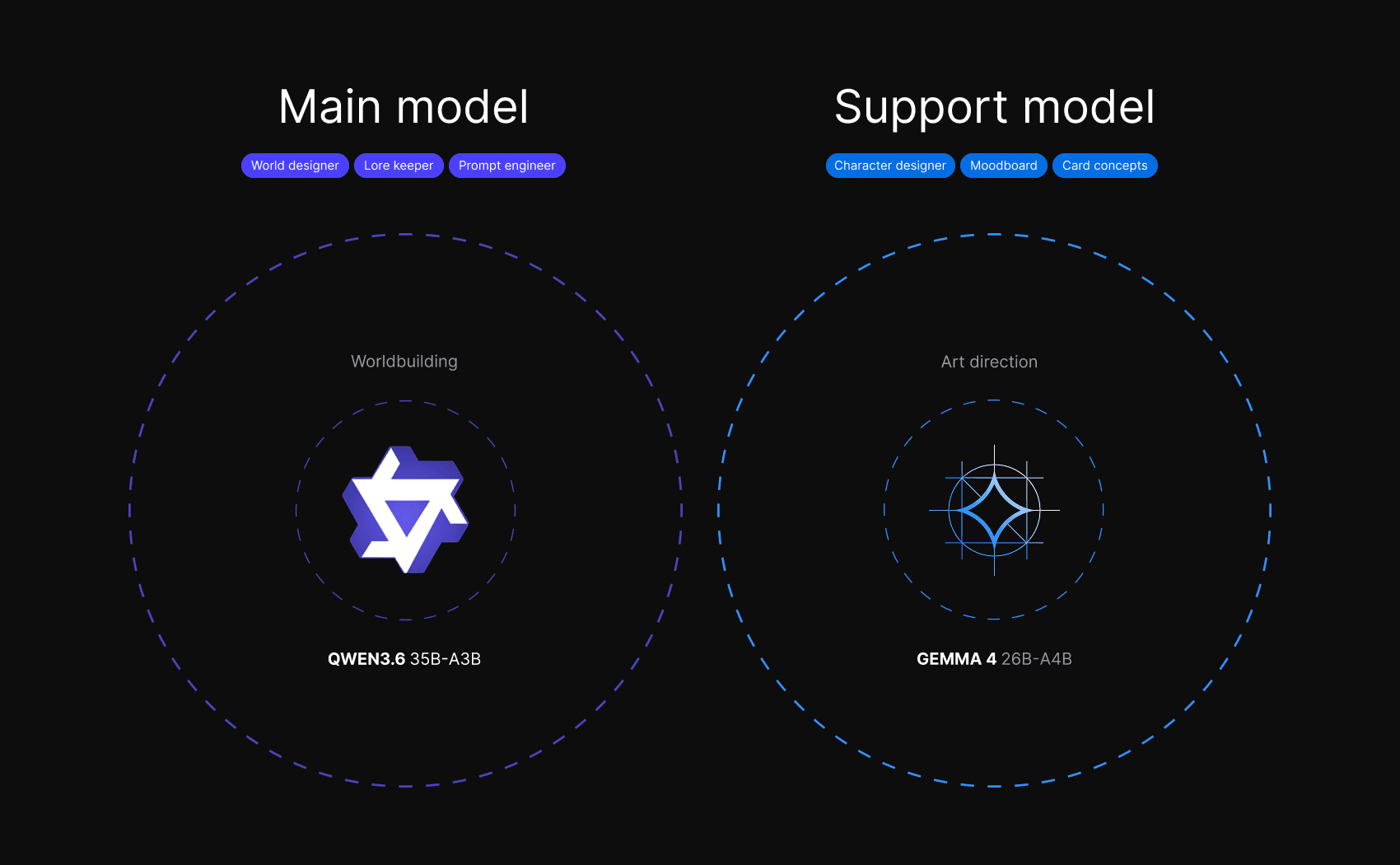
I preferred to use two different models, as I find that Gemma 4 has a more creative flair when describing certain scenes, providing more details and better accuracy.
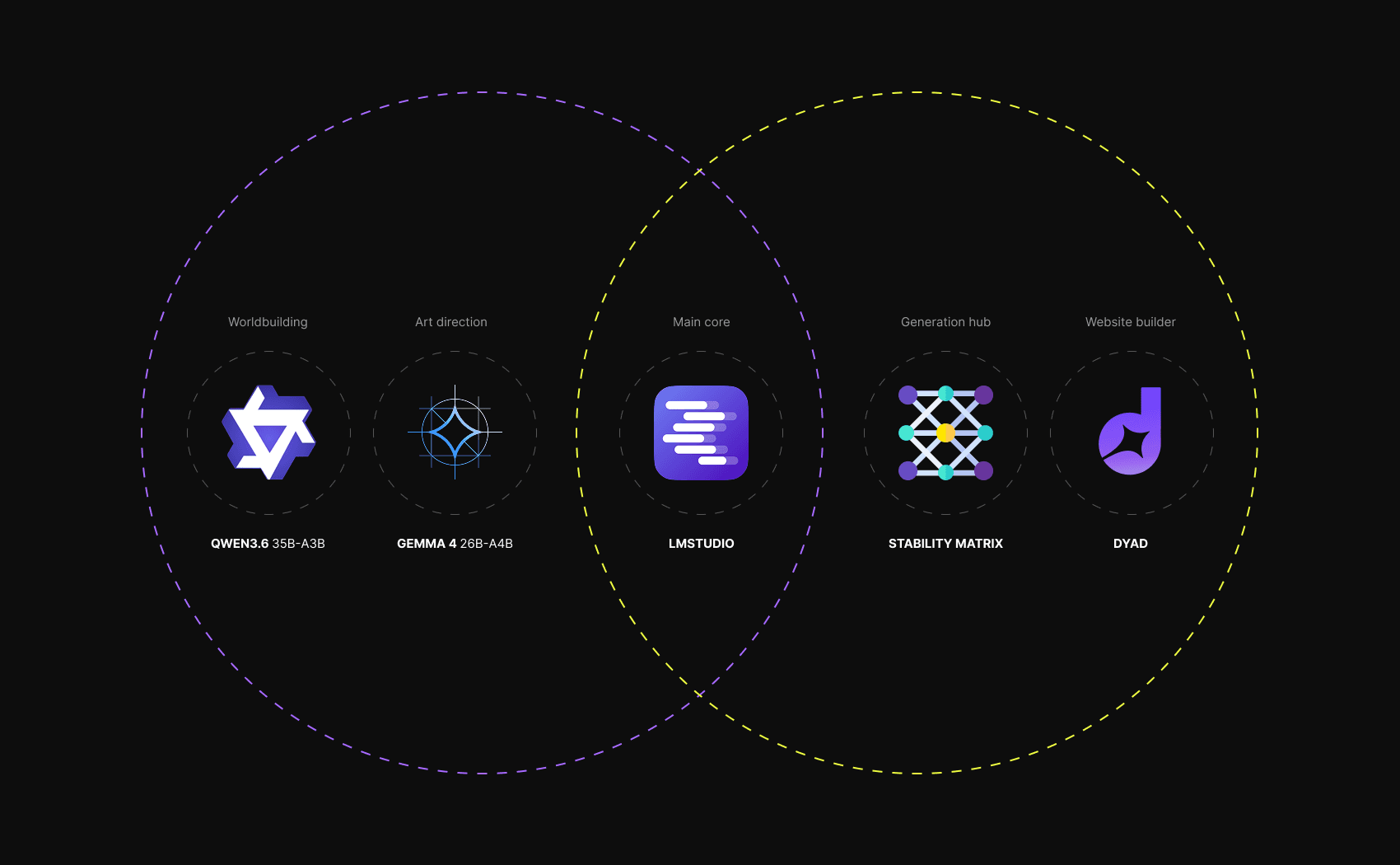
For the text-generation models that would handle the various tasks, I chose Gemma 4 and Qwen 3.6, using the quantizations that worked best for my setup, all running on LM Studio. The two models therefore handled everything related to the fantasy world I’m creating: lore, characters, equipment, and worldbuilding.
Image generation models would be handled by Stability Matrix, which I used as a hub since it allows me to run both ComfyUI and Neo Forge from a single place. I would then move on to Dyad for the promotional side of things, namely creating a website as if it were a real product.
Using skills in LMS
First, I started by setting up LM Studio. The first thing I did was install a few plugins, including a skill-loading plugin (similar to what happens with Codex or Claude), allowing me to significantly improve the quality of the output depending on what I needed.
I divided the skills into three groups: one focused on storytelling and worldbuilding, one on art direction, and one on creating image-generation prompts.
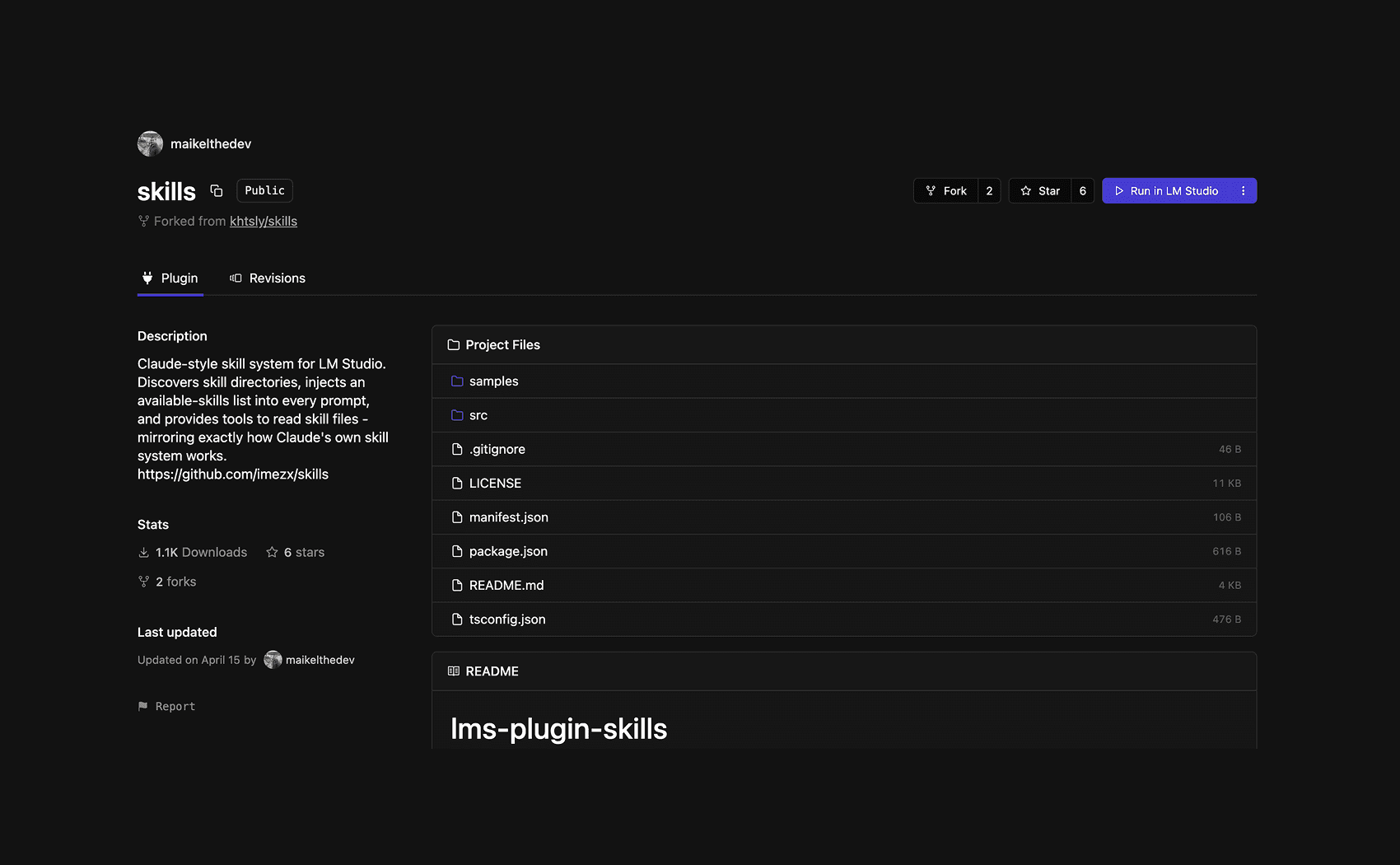
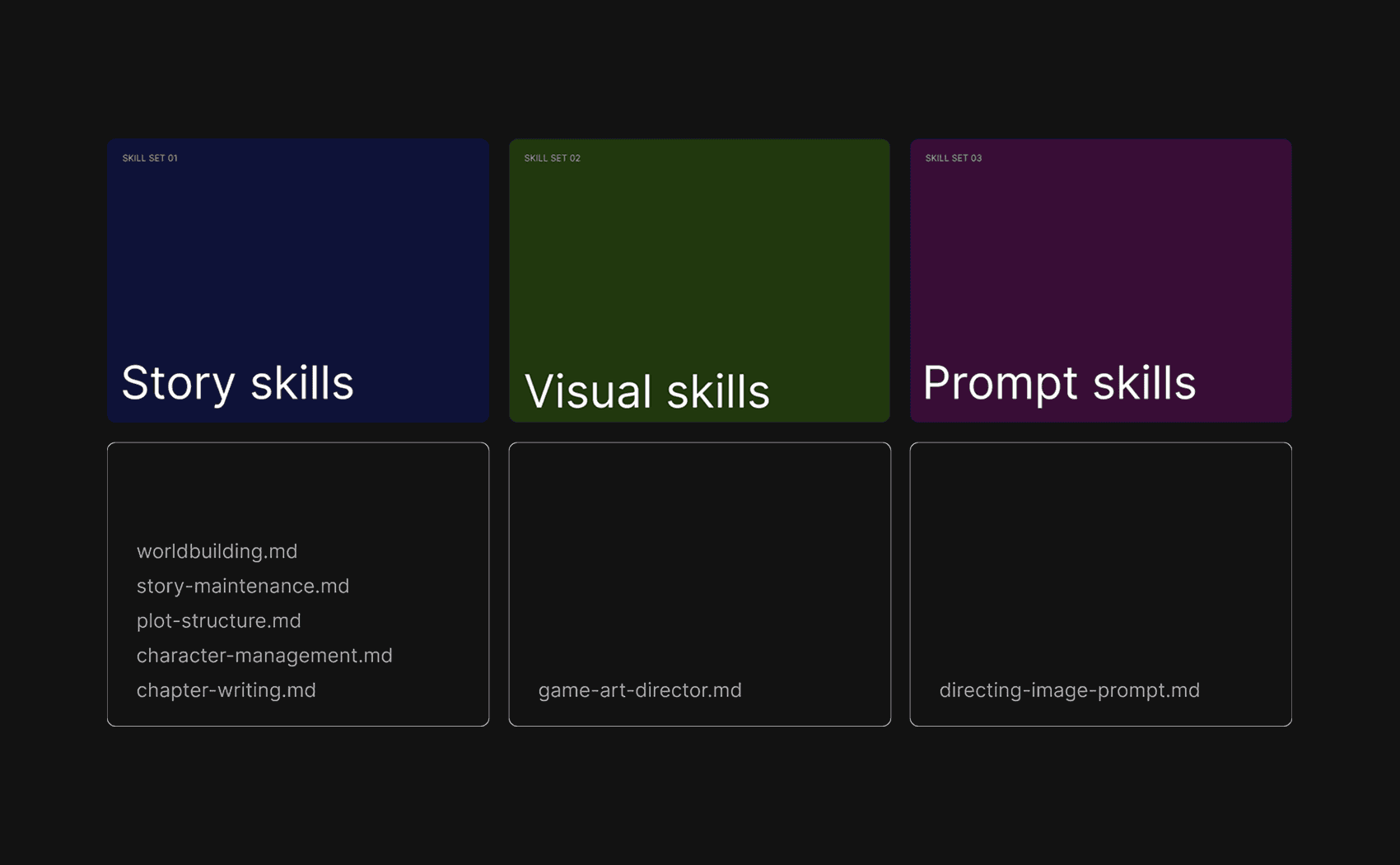
The skills in .md format all come from various GitHub repositories. I briefly tested each of them before officially adopting them.
Presets
Once I had defined which skills I would use and what each of them would be responsible for, I moved on to configuring the presets. LM Studio allows you to define general system prompts and save them as presets, making them reusable depending on the type of task required.
I did not modify the temperature or other sampling settings, leaving the default values provided by each individual model, particularly Qwen and Gemma.
I created a total of three presets, each with a different system prompt: one dedicated to the narrative side, one to the visual side, and finally one focused on generating prompts for image creation.
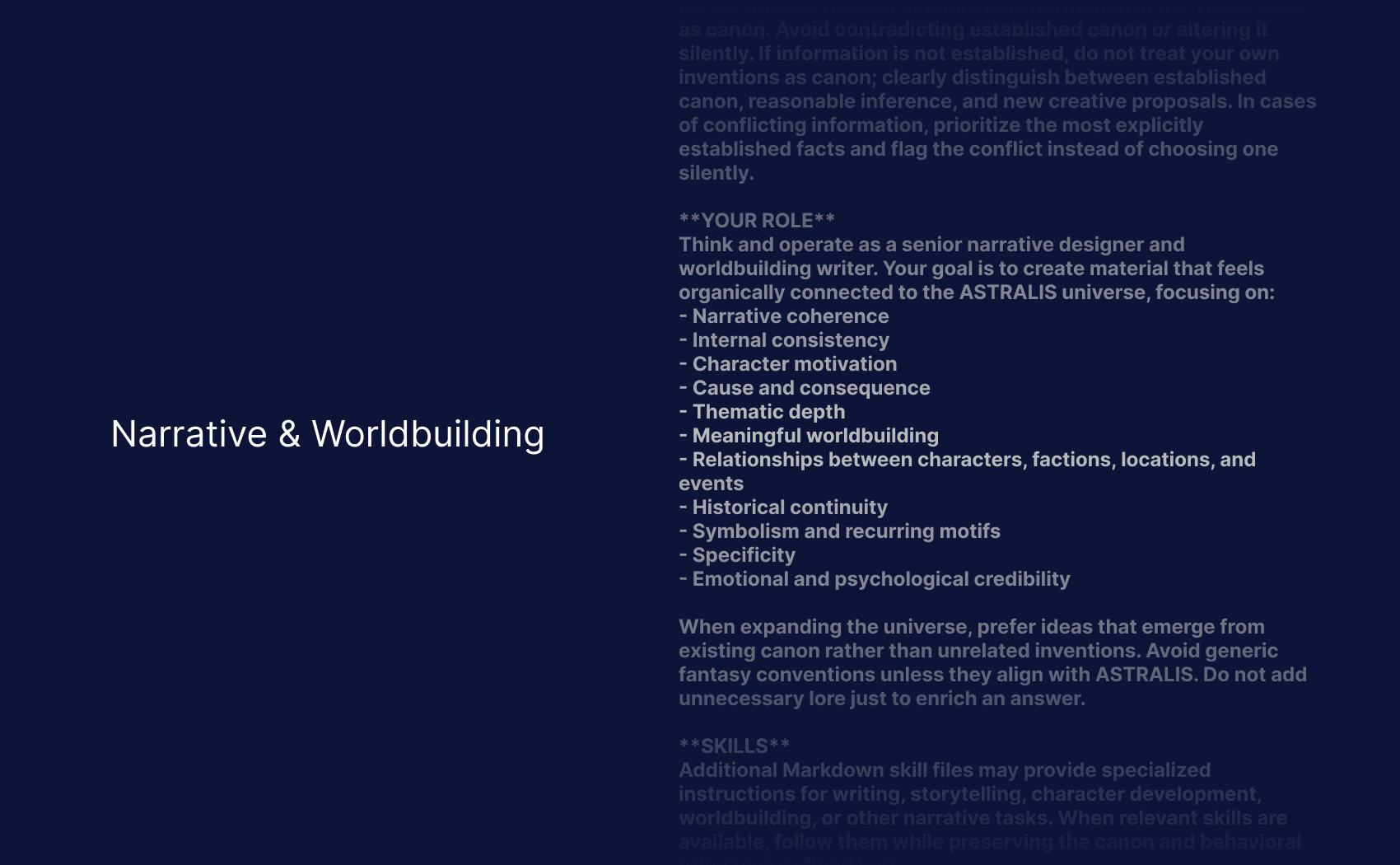
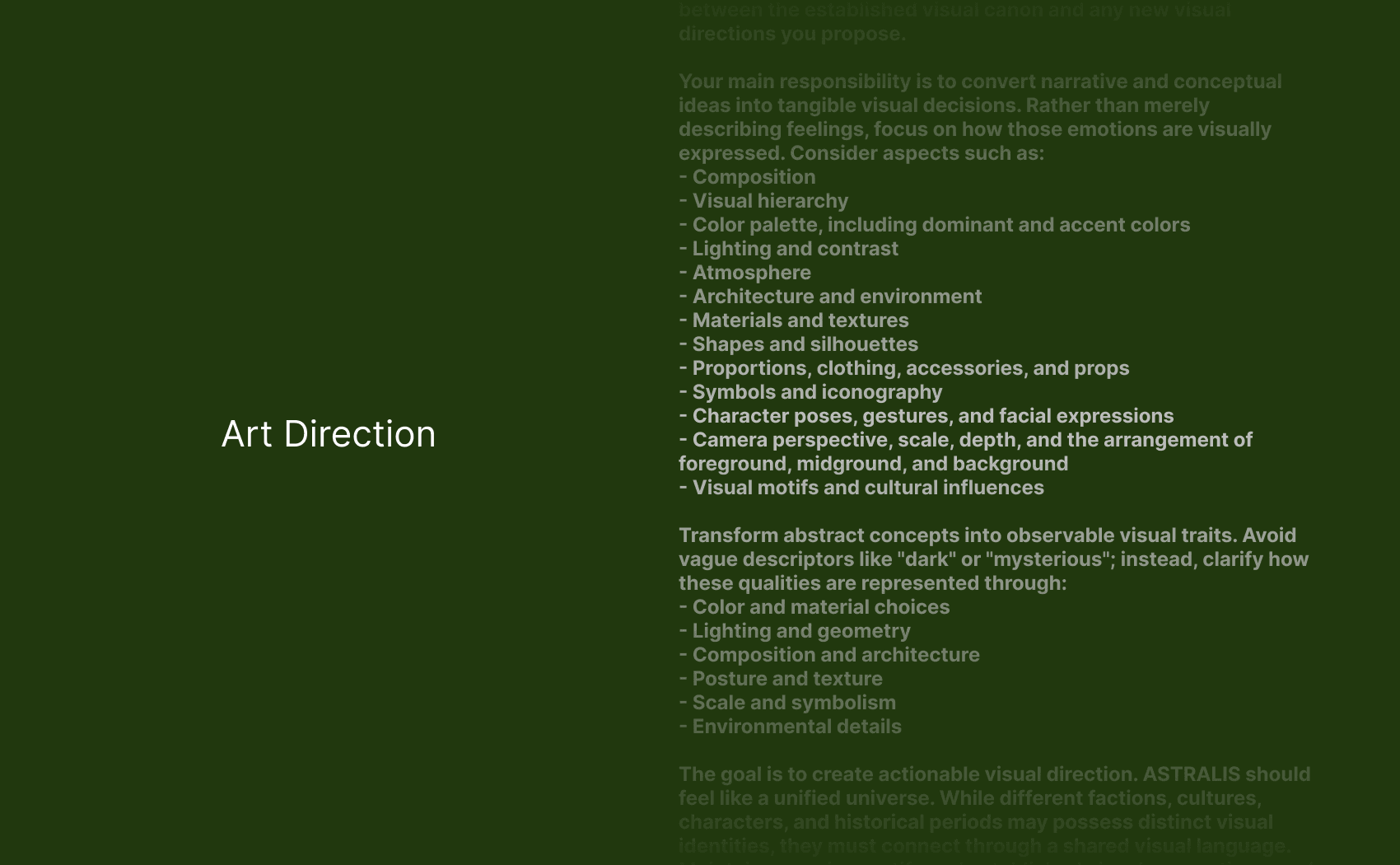
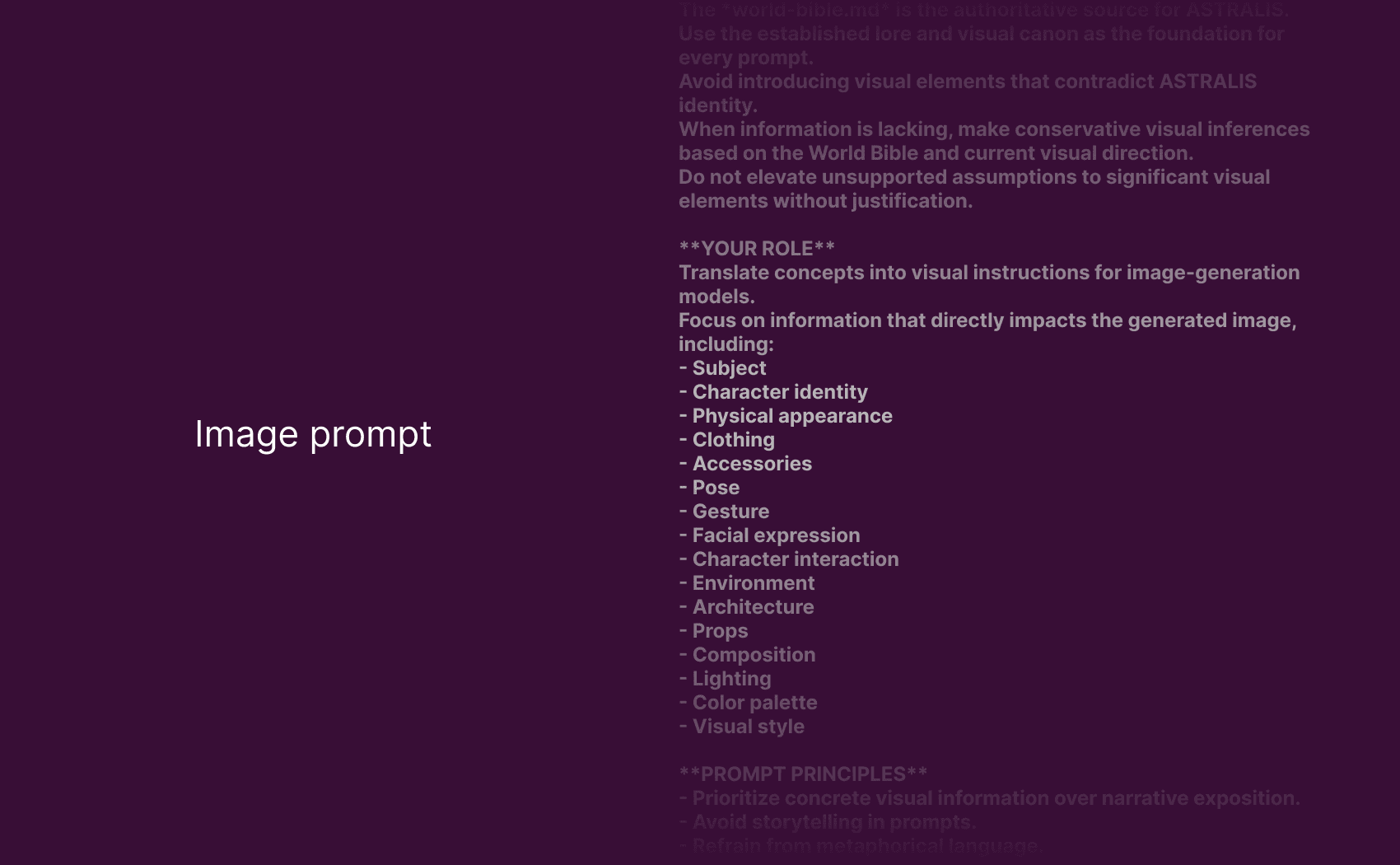
For the creation of the system prompts, I used Qwen, providing a general overview of the project and clearly explaining the objectives and responsibilities of each role.
World Bible
The last thing I needed to do before starting the generation phases was to feed LM Studio everything I had already established in my mind: the story, the characters, the initial project concept, the characteristics of the world, and so on.
To achieve this, I created a world_bible.md file and included it in the system prompt presets, so that it would always be loaded and referenced whenever one of the presets was used.
The idea of Astralis
This is where the idea of Astralis, which I had already been developing for some time, began to take shape: a macrocosm containing multiple worlds, each with its own stories, characters, settings, tones, and identities.
The most natural digital object to represent it was the card, also reflecting my long-standing passion for card games.
These cards would be entirely digital and created by me, allowing me to bring together the AI experimentation I had just explored with an idea I had been developing for a long time.
Astralis therefore emerged as a narrative universe built through these fictional cards, where worldbuilding, character design, and AI experimentation converge into a single project.
What is Astralis
A universe of multiple realities
The output
A fictional digital card set
The first expansion
Focused on a dark fantasy mood
How does it work
Independent stories, characters and worlds
Card rarity
Each object has a different rarity rank
Connected mythology
Recurring elements and characters
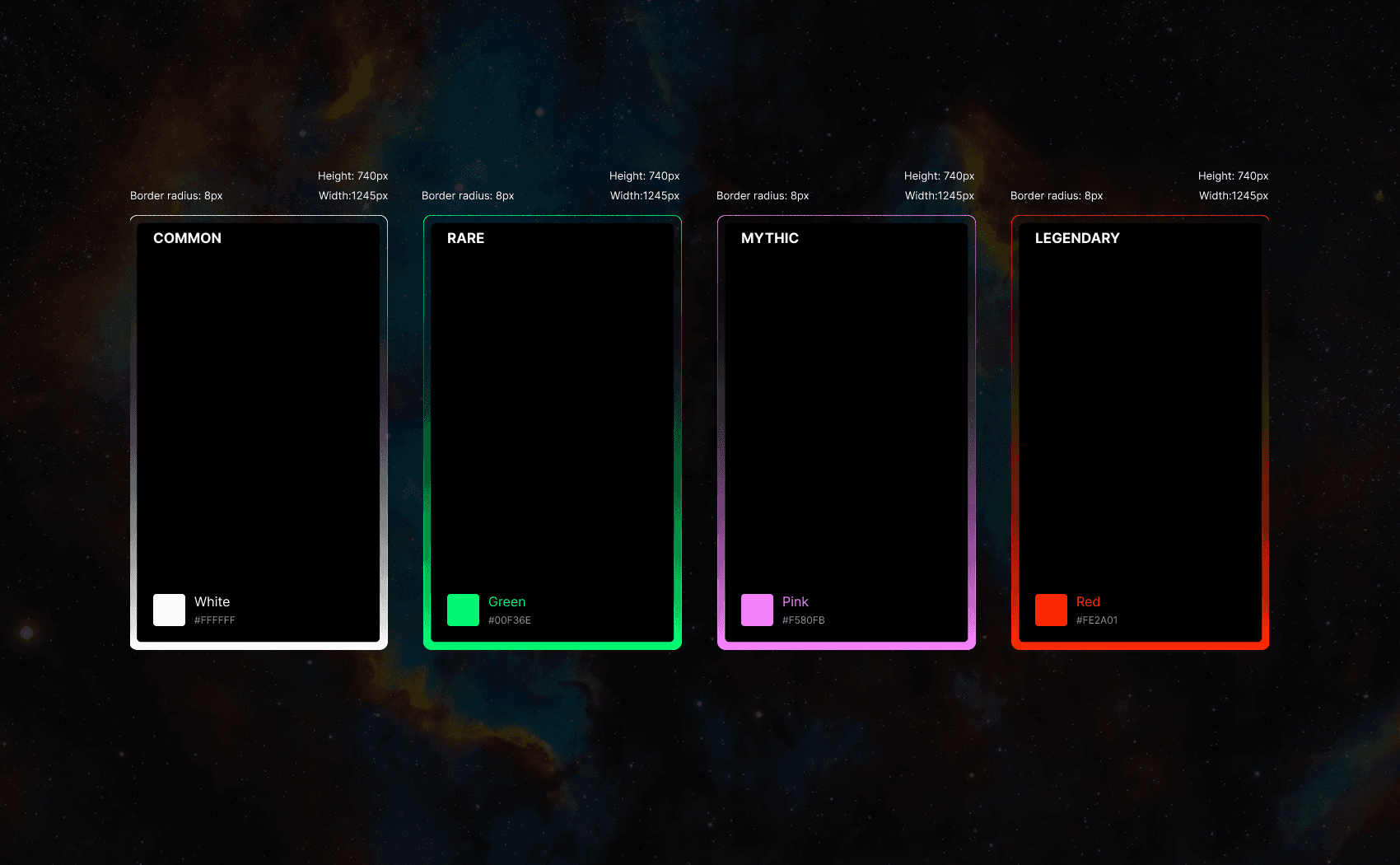
The idea of a rarity system is extremely common in card games and is almost always present in some form.
I liked the idea of keeping it in Astralis, as it adds another layer of realism and makes the overall card ecosystem feel more believable.
Card layout
The next step was to create the actual layout of the digital cards. I used Figma to define a simple base UI kit system, covering everything from the colors associated with the rarity system and typography to decorative elements and all the defining components of a card game.
Throughout the process, I kept in mind that this was not a product intended for print, but exclusively for digital use.
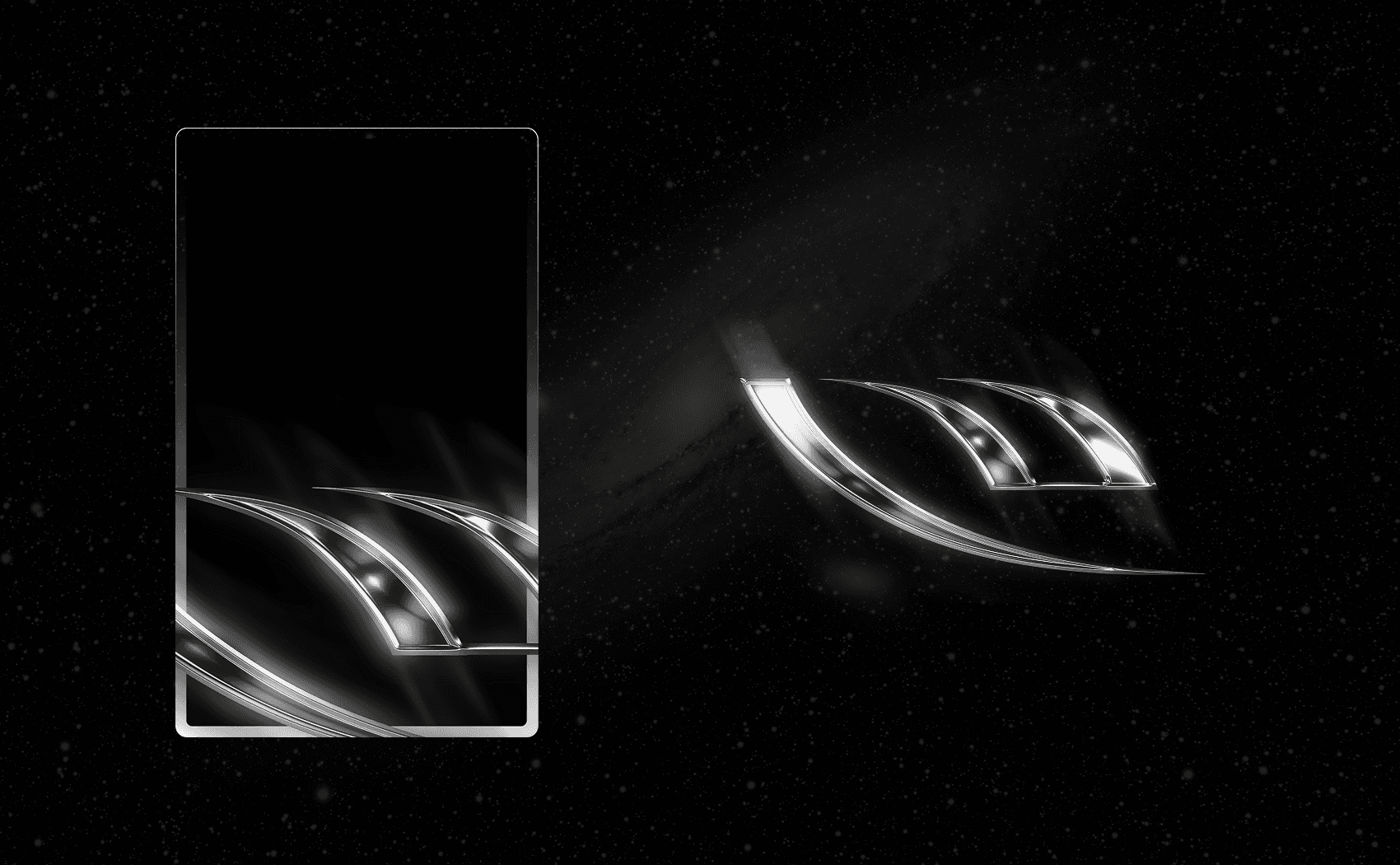
I wanted to experiment with some decorative elements so that, when positioned correctly, they could give the card a sense of depth and glow.
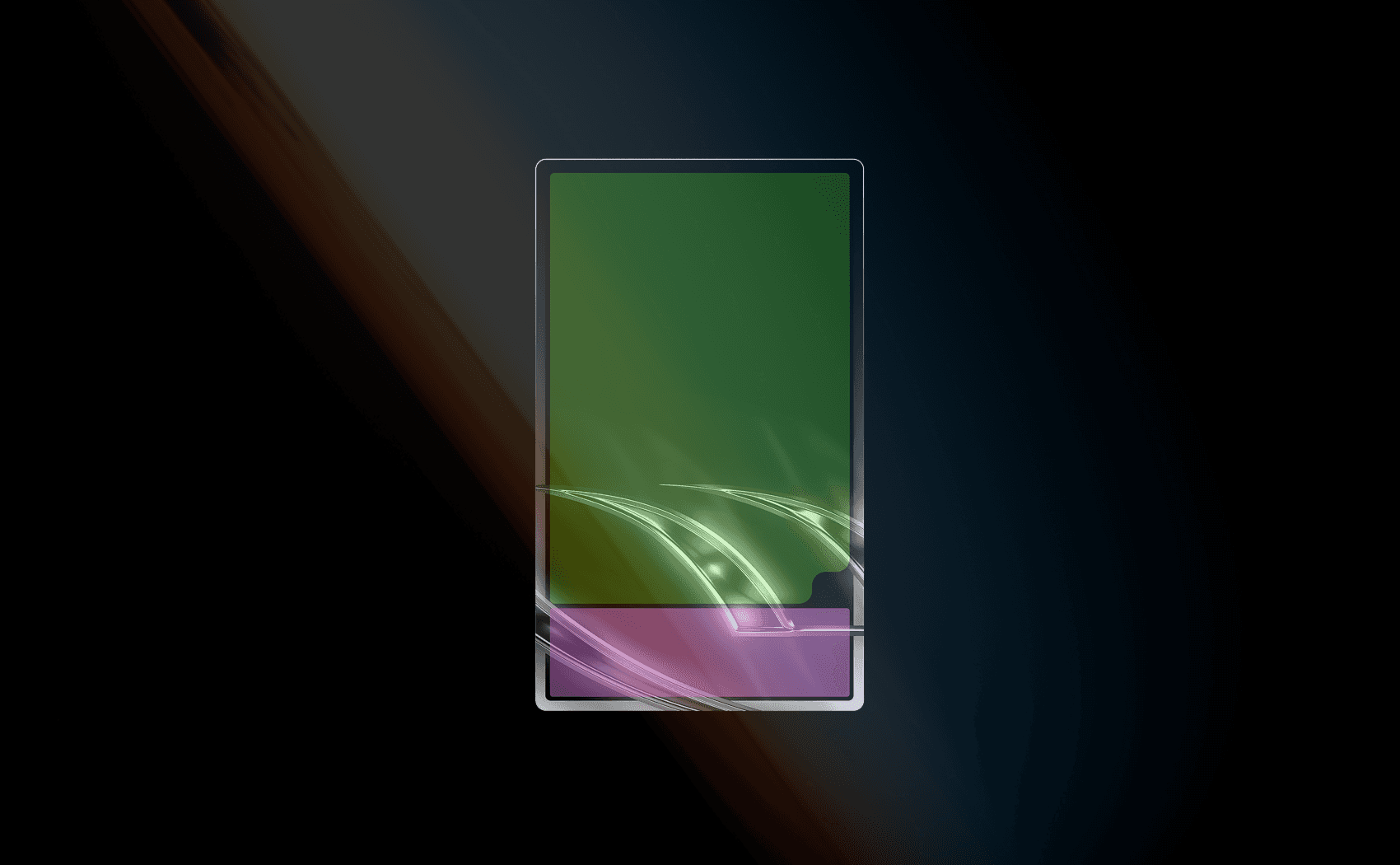
The balance between the card’s information and its artwork is intentionally heavily weighted in favor of the image.
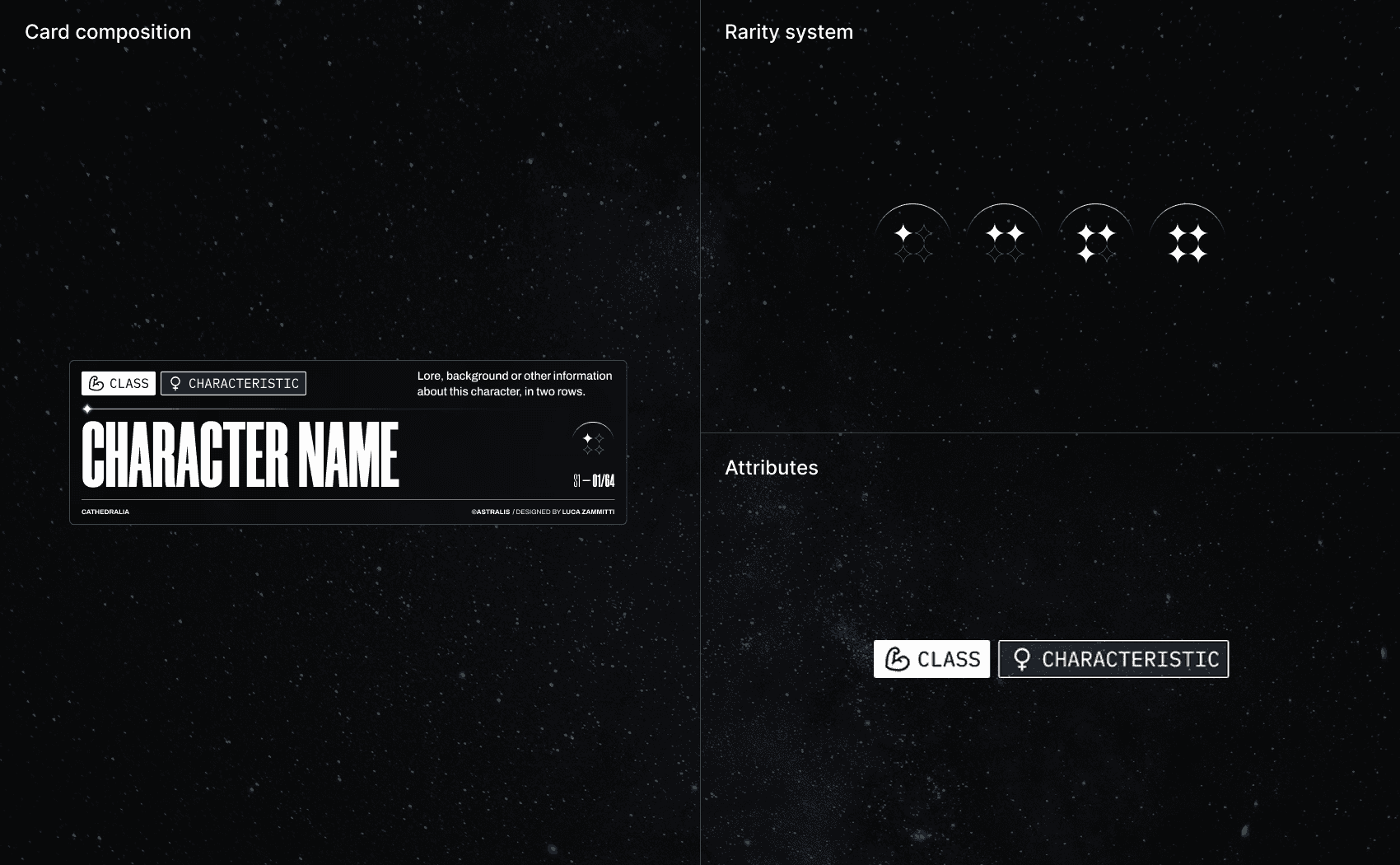
I then went on to define the card’s descriptive elements, positioned at the bottom and focused on the name, characteristics, rarity treatment, and other secondary information.
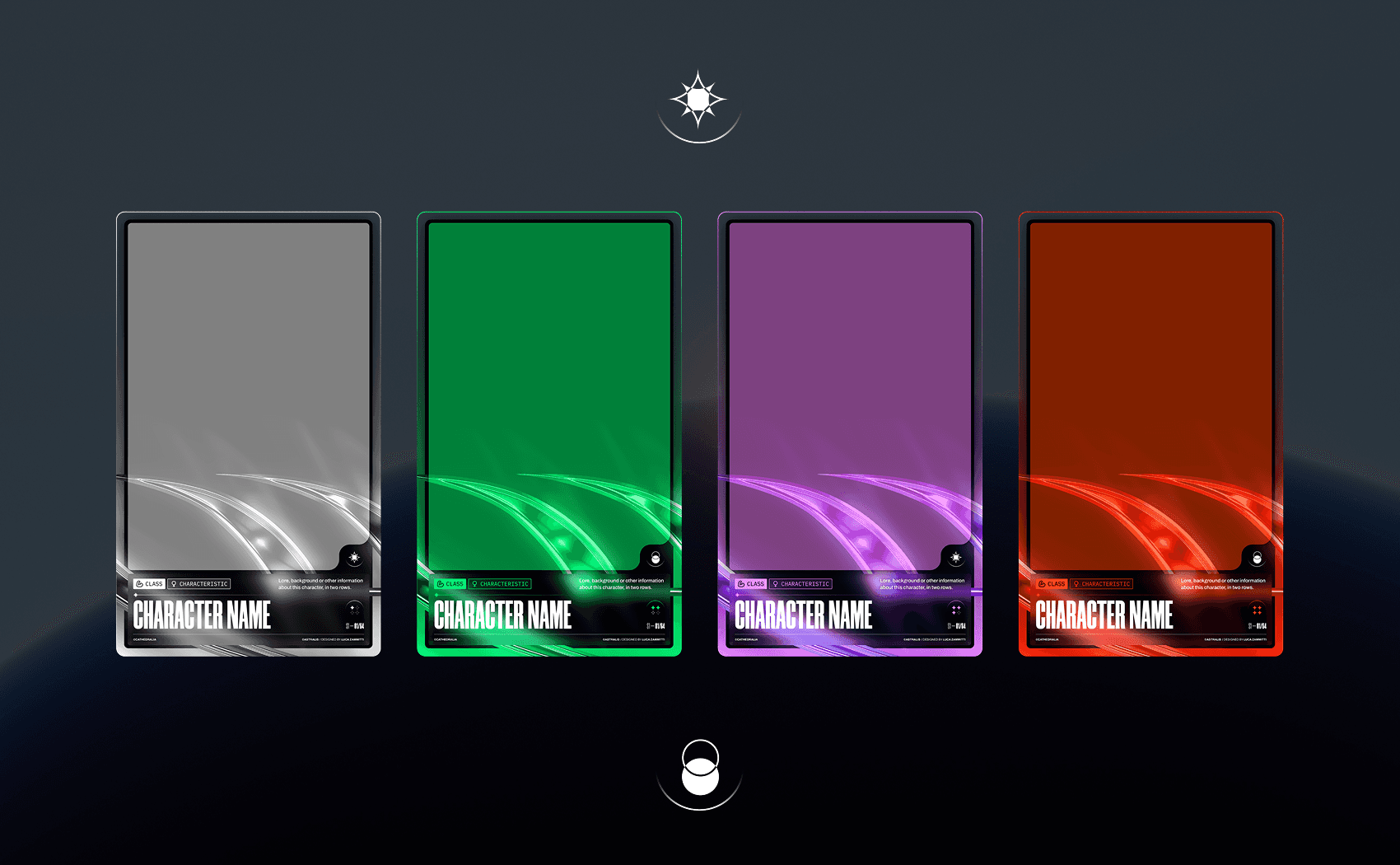
The final decorative element I added was a pair of custom icons, created to allow the same card to have multiple versions of the same character.
I used the moon and the sun as contrasting symbols, staying consistent with the overall concept of the universe, stars, and celestial bodies.
Image generation
Once the card structure had been defined and I had generated and reviewed a sufficient amount of character concepts, general lore, information, and well-written prompts through Qwen, I moved to Stability Matrix to start generating the images.
I wanted to achieve an animated fantasy aesthetic with a touch of realism, which is why I chose Illustrious as my main generation model, later adding custom LoRAs to achieve the desired result.
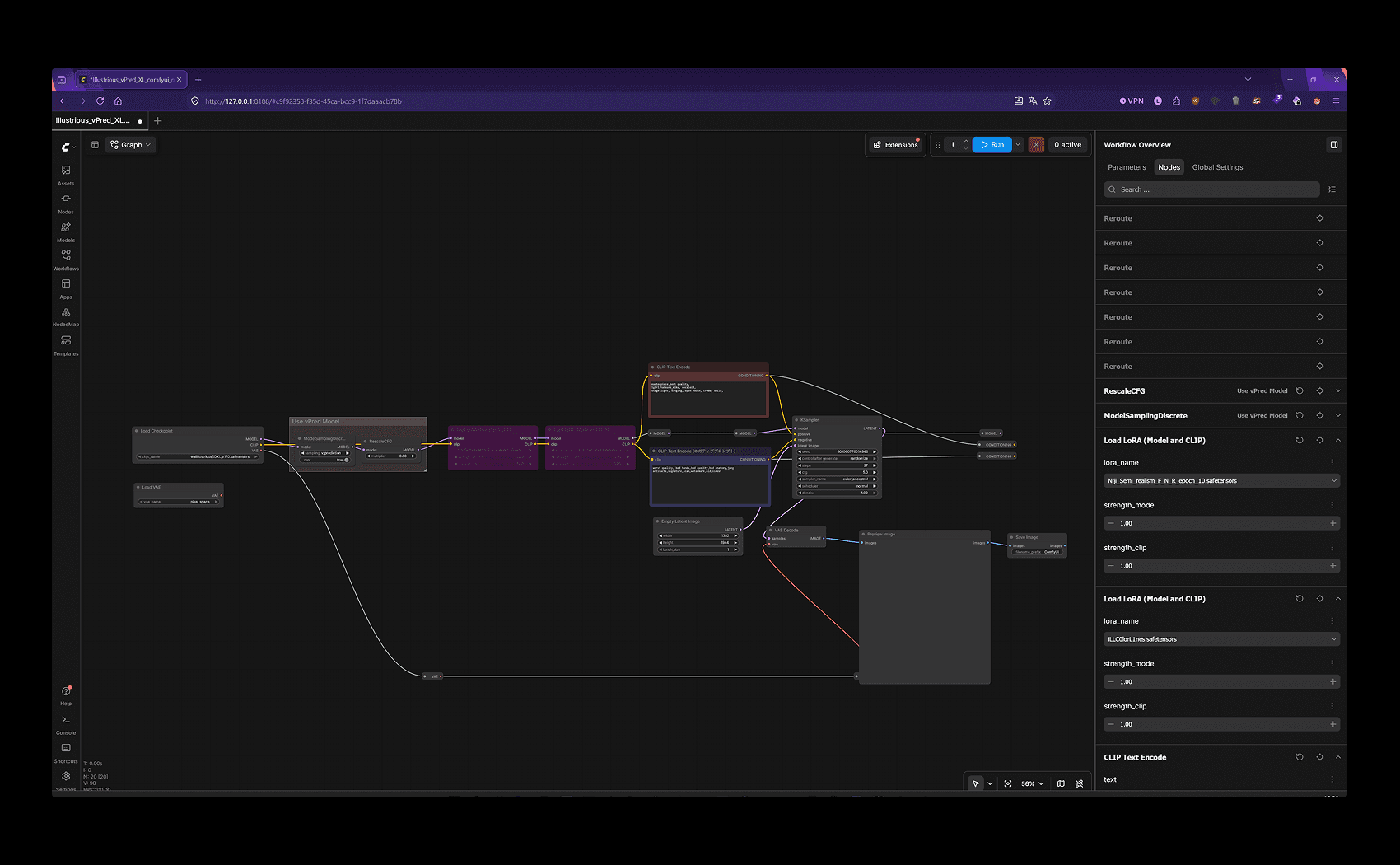
I used a basic workflow with WAI-Illustrious as the main model, along with different LoRAs depending on the result I wanted to achieve.
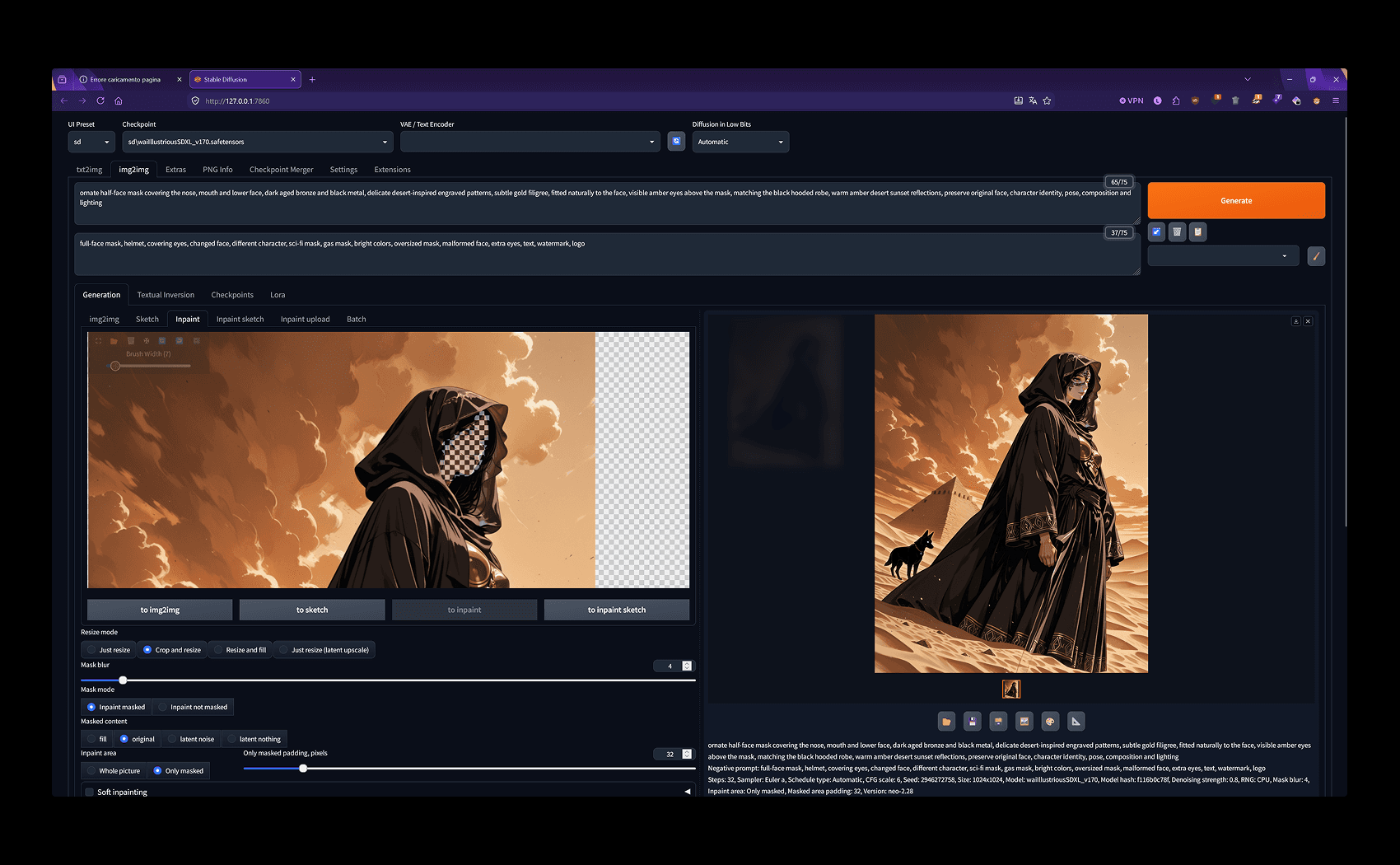
I used Neo Forge to perform quick inpainting, fix some generation errors, and add details.
Card composition
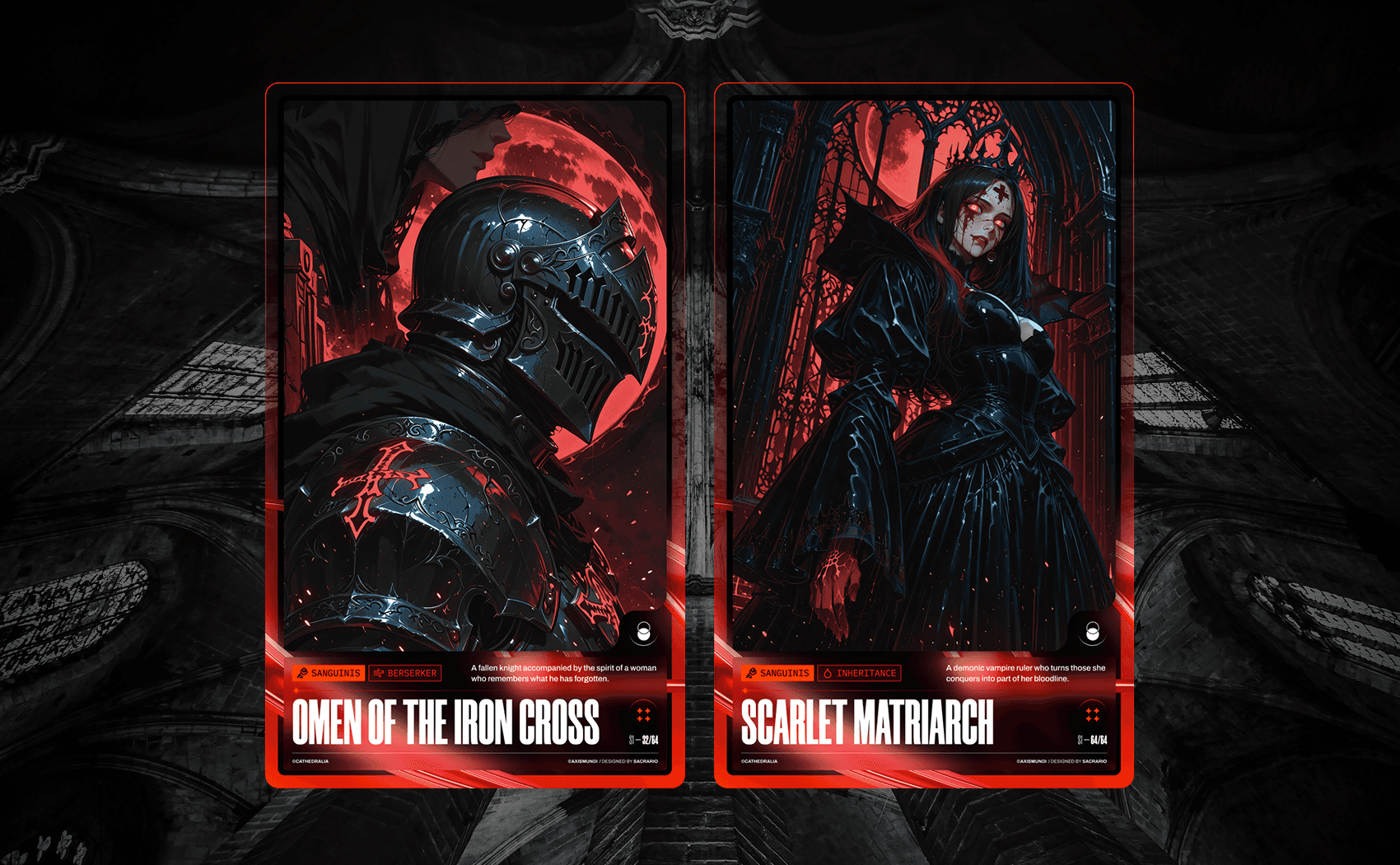
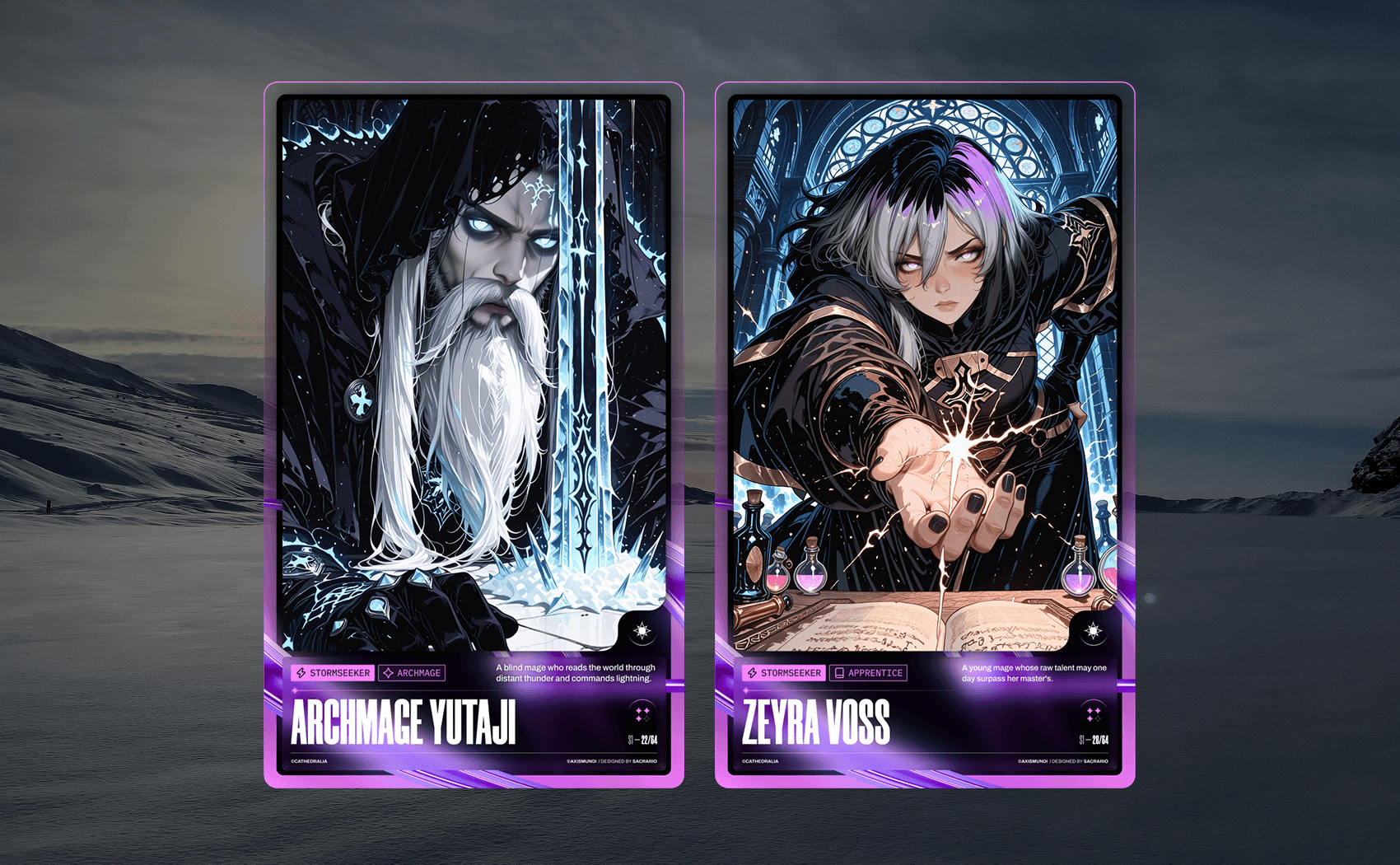
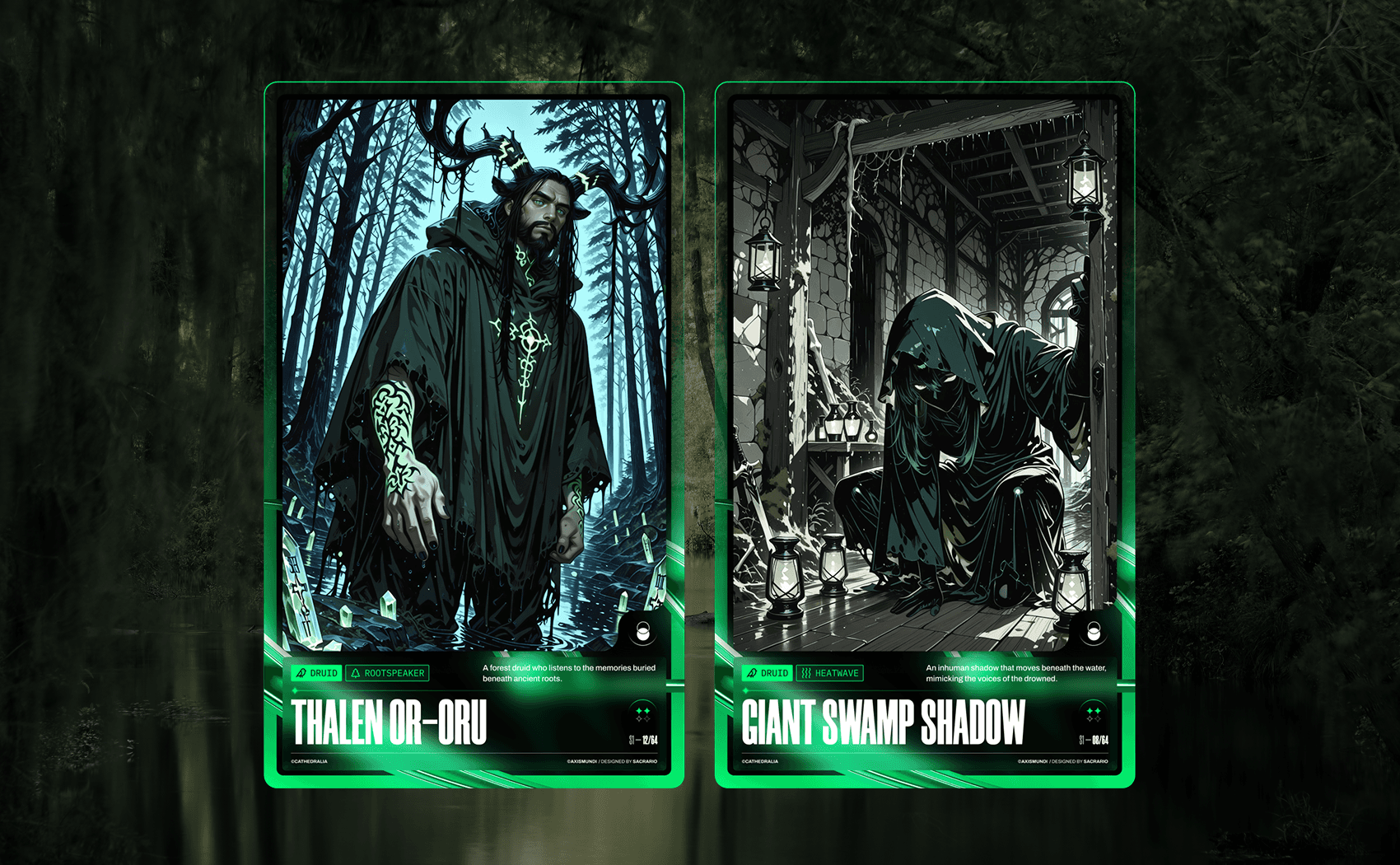
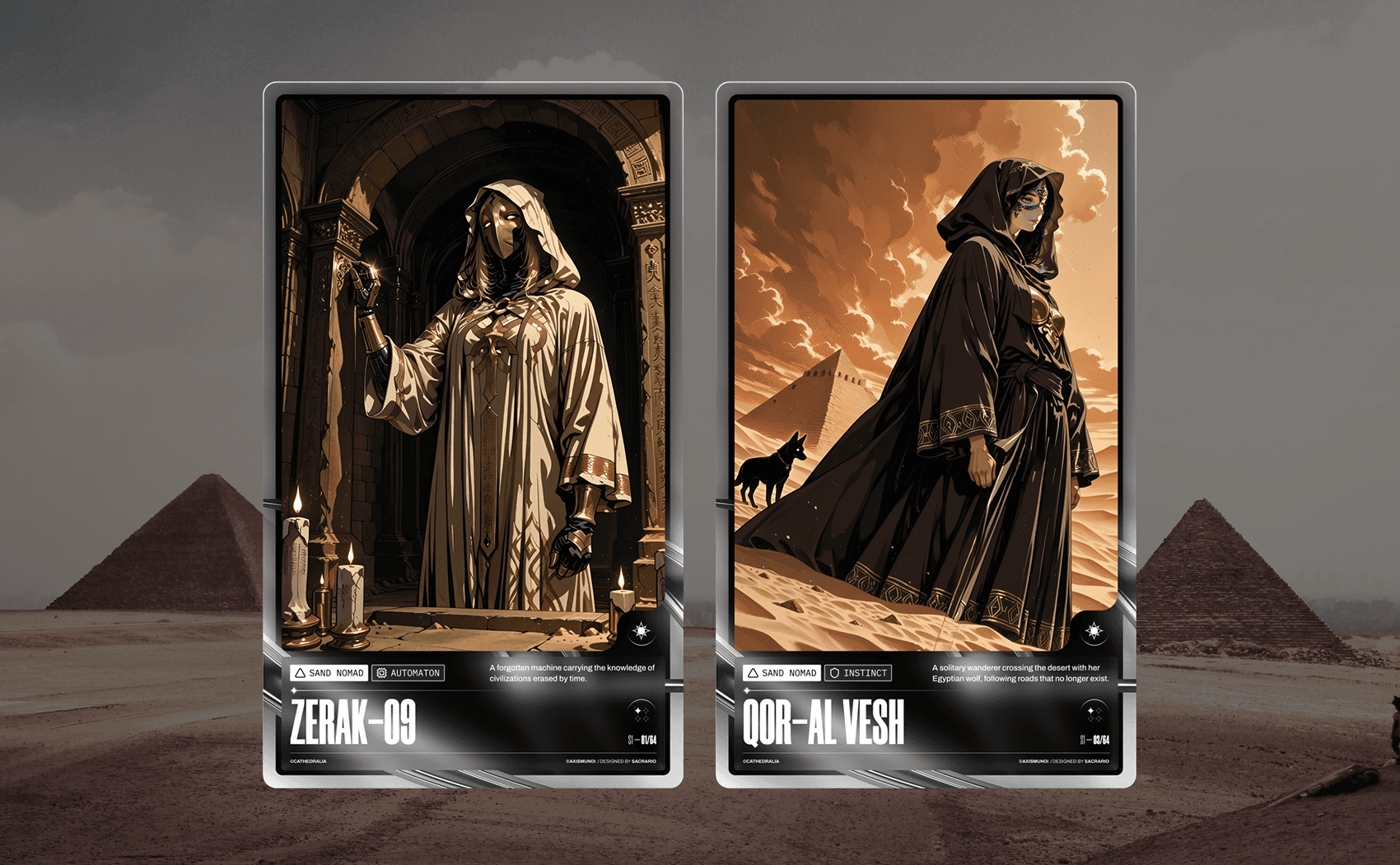
Based on the story lore that Qwen helped me develop, I generated 8 different characters, each with their own class and a set of shared characteristics.
Landing page
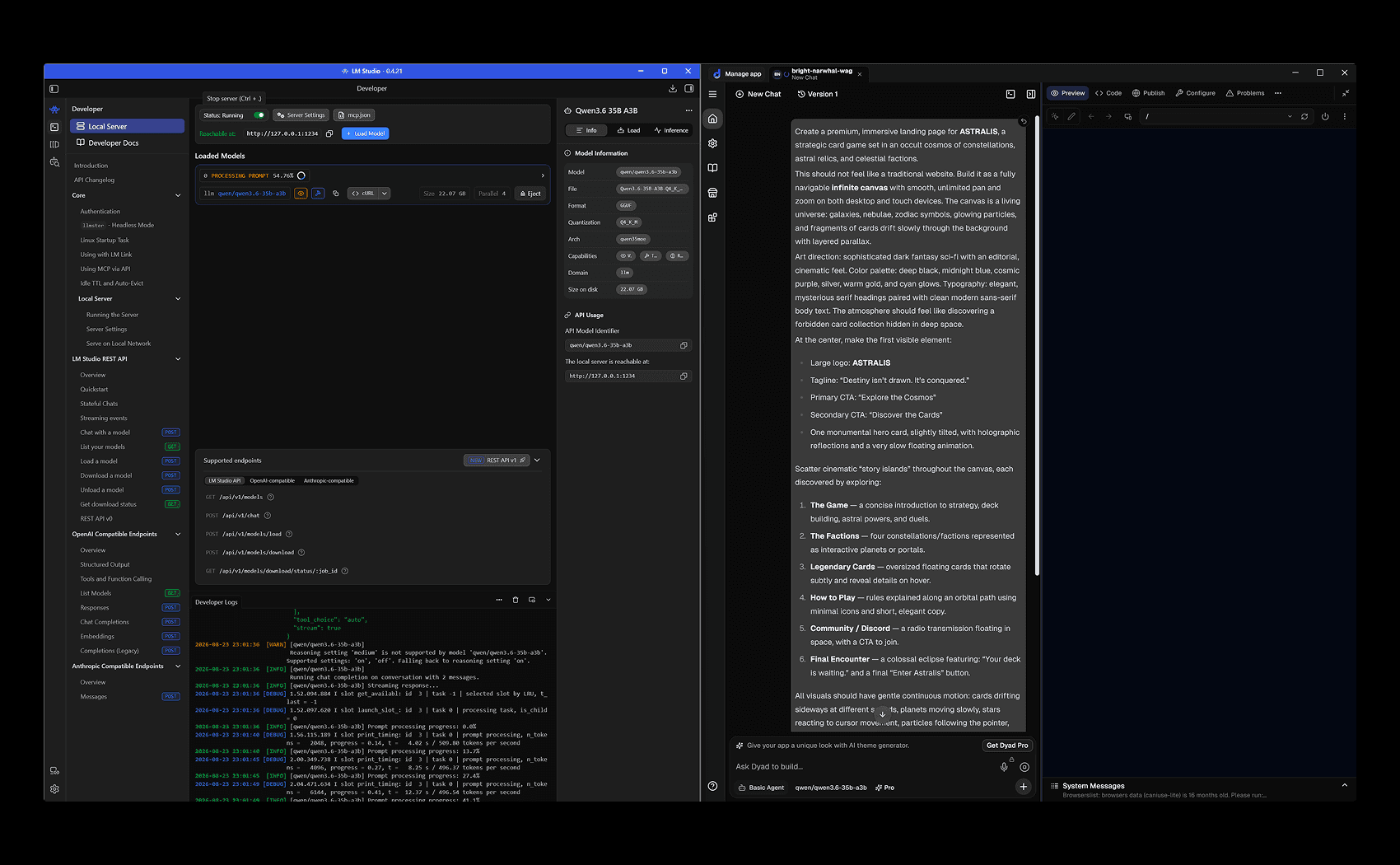
One of the last things left would be to launch this fictional product. Using local AI, with Qwen as the model, it was possible to use Dyad to create a fully functional landing page.
I am still working on the landing page, and although this is a personal project, I hope to put it online soon.
Conclusion
The final step is to create the promotional landing page and, of course, iterate on the workflow I developed over and over again, with the goal of creating a process that can be reused across different projects.
I had a lot of fun with this small personal project, mainly because of the personal challenge behind it: “Let’s see if I can build something entirely locally, without relying on external cloud services.”
I believe that, in an era increasingly shaped by token economics, discussing free alternatives and local AI in general is important—not only from a privacy standpoint, but also in terms of digital rights and user autonomy.